


POS System APISingle entry point from your POS to fiskaltrust.Middleware.

Create receipts, execute payments, issue digital receipts, and export journals through one process‑driven HTTP API
The API lets you focus on your system while fiskaltrust takes care of receipt infrastructure. Instead of treating receipts as a side feature or a consumer add-on, the Receipt-API handles receipts as a first-class, regulated system component. You integrate once and rely on a unified, open-source API that is maintained as regulations and operational requirements evolve.
The fiskaltrust POS System API serves as the central interface between POS systems and the fiskaltrust Middleware. It offers a comprehensive set of functionalities, including the fiscalisation (or signing) of receipts, execution of payments via various providers, digital receipt printing and data export from the Middleware.
Through simple and consistent endpoints, the API supports key functions: /echo for connectivity tests, /order to register order data, /pay for payment allocation, /sign for compliant transaction sealing, /issue to generate digital or printable receipts, and /journal for audit-ready exports.
Easy readable API endpoints
International PosSystem-API
- /echo,health check and reset.
- /order,register order information and query state or result.
- /pay,execute payments, wait for completion with timeouts, fetch result.
- /sign,finalise receipts with national rules and hash chaining.
- /issuecreate and update the issued receipt, including delivery status.
- /journal,retrieve single entries or ranges for audits and closings.
POS Dealer API. Built for stable, transparent, audit-proof integrations.
Designed for cross-platform use, the API supports local deployments and cloud-hosted instances in European data centers. It provides revision-safe storage and integrates with the fiskaltrust Middleware for automatic compliance updates.
Parts of the API and Middleware are open source, offering transparency and long-term stability. With open documentation and a uniform data model, this reduces maintenance effort and keeps POS solutions audit-proof.

One API, consistent behaviour, regardless of country-specific requirements.
Core concepts
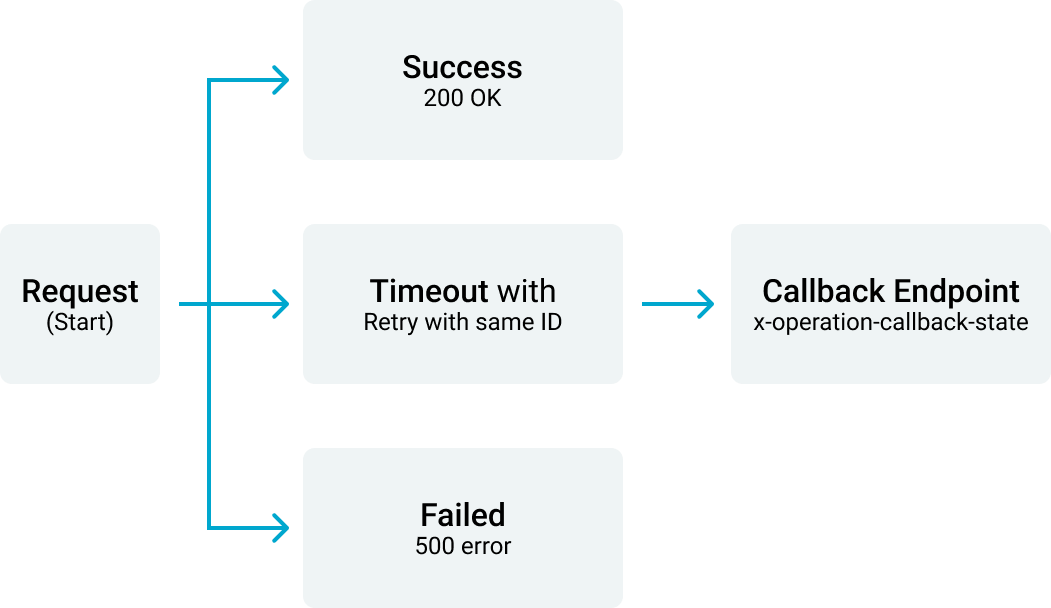
The API treats a transaction as a journey. Each step changes state on the server. You pass a unique operation identifier on every call. If the network drops, you repeat the same call with the same identifier.
The backend deduplicates and returns the first completed result. This design gives safe retries and predictable outcomes for critical fiscal steps.
- Central entry point to Middleware for fiscalisation, payments, issuing, and exports.
- Processual, stateful call patterns that behave like a state machine.
- Idempotency through header x‑operation‑id with deterministic responses on retry.
- Callback hooks to observe state transitions during long operations.
A request with x-operation-id enters the Middleware
Middleware processing
Retry with same x-operation-id
Completed result
Callback Endpoint x-operation-callback-state
Authentication and versioning
Access is scoped by CashBox. You use CashBoxId and AccessToken from the Portal. The API follows semantic versioning. Breaking changes are confined to major versions and can be pinned in the URL when needed.
- Credentials: CashBoxId and AccessToken.
- Semantic versioning, latest by default, with explicit pinning supported.
POS Developer
Authentication CashBoxId + AccessToken
V1
V2
V3
AsynchronousAPI patterns
The API lets you focus on your system while fiskaltrust takes care of receipt infrastructure. Instead of treating receipts as a side feature or a consumer add-on, the Receipt-API handles receipts as a first-class, regulated system component. You integrate once and rely on a unified, open-source API that is maintained as regulations and operational requirements evolve.

Headers and idempotency
Every critical call accepts control headers. x‑operation‑id is your idempotency key. x‑operation‑lifetime defines how long the operation is valid. You can set a per‑call callback URL to receive state messages without polling.
- x‑operation‑id, unique per operation to deduplicate retries.
- x‑operation‑lifetime, acceptance window in milliseconds.
- x‑operation‑callback‑state, notify on each state change.
- Optional x‑terminal‑id and x‑possystem‑id for attribution.
Delivery and receipt status
After issuing, you can fetch the issued content, update it, or query delivery state. Blocking endpoints exist that wait up to a maximum timeout and report delivered or not delivered. This simplifies user flows at checkout and avoids busy polling.
Environments
The API provides sandbox and production environments for each endpoint. Use sandbox for integration and automated tests. Promote the same calls to production when ready. The AynchronousAPI, headers, and callbacks behave the same in both.
Error handling
Calls return standard HTTP status codes. Malformed requests or missing headers produce client errors. Authentication failures return unauthorised. The server reports unexpected errors with problem details where available. Retries with the same operation identifier return the first finished result.
Use an open, documented interface that adapts as regulations change.
How it works in 3 steps
You configure a CashBox in the Portal and obtain credentials. Your POS calls cart, order, and pay to build the journey. You complete with sign and issue, then read journal entries for daily closing or audits. You repeat failed steps safely by reusing the operation identifier.
1.
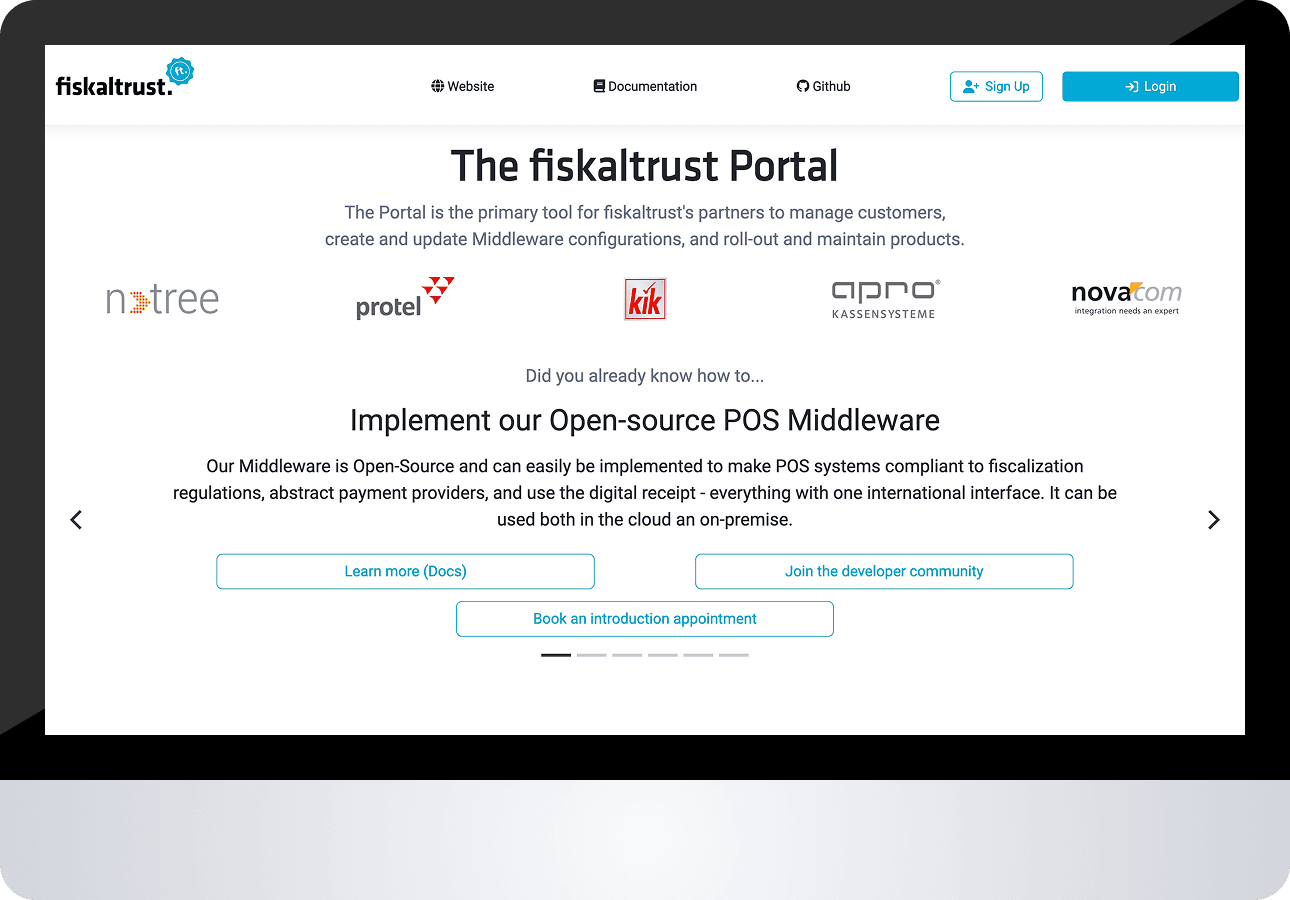
Sign up at the fiskaltrust.Portal.
2.
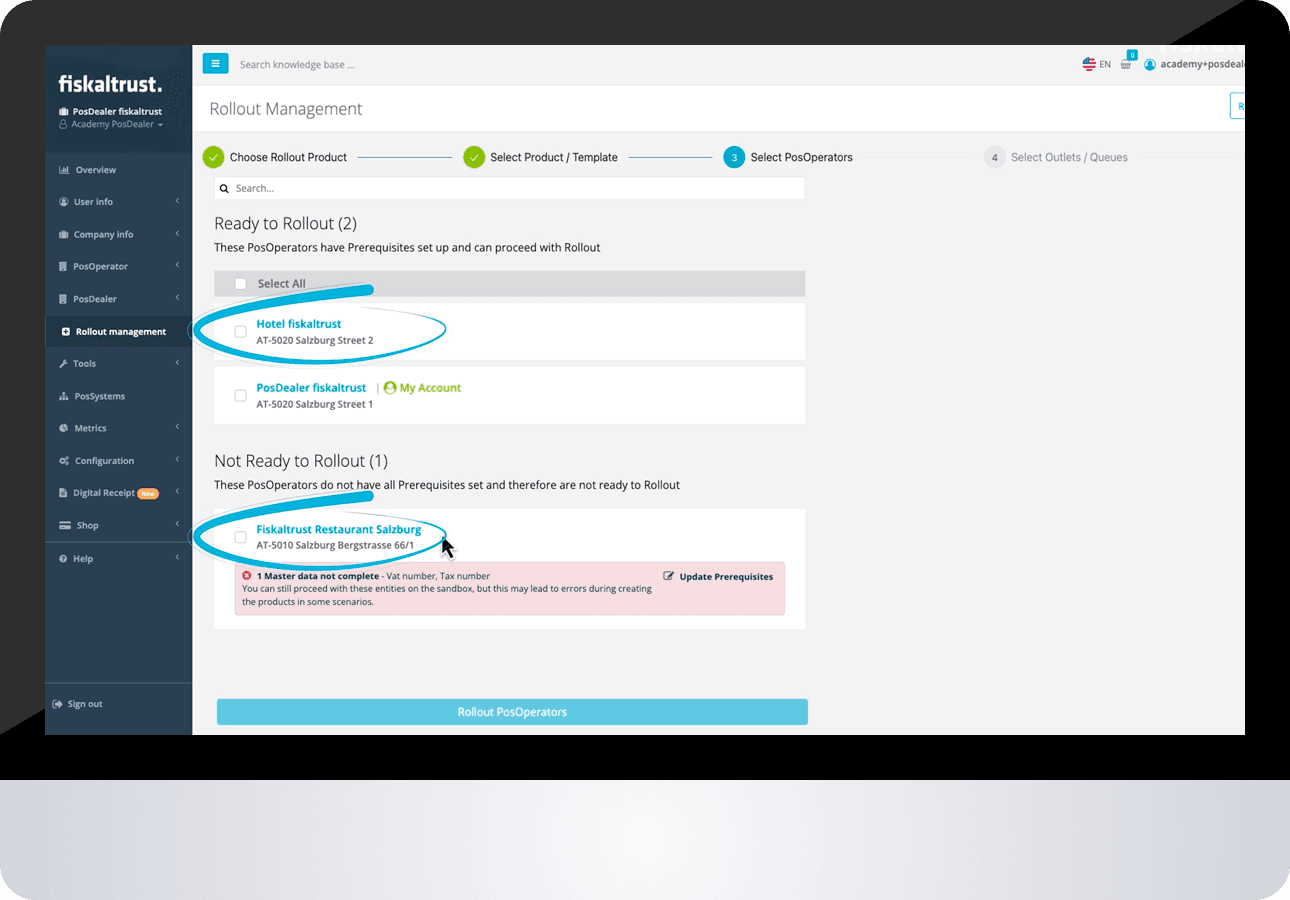
Create cashbox and connect it to your POS or ERP.
3.

Drive the journey: cart, order, pay, sign, issue.
Developer essentials
Start from the OpenAPI specification and the live documentation. Review the SynchronousAPI diagrams and the header contract. Build retries with idempotency and callbacks. Use sandbox to validate state transitions and receipt delivery behaviour before production.
- POS System API docs page and OpenAPI file.
- SynchronousAPI timing and state diagrams.
- Sandbox endpoints for echo, cart, order, pay, sign, issue, journal.
Questions about integration? Our technical team is just a message away.
Contact Us